The Cognos Summarization Agent in IBM Cognos Analytics demonstrates how AI can transform traditional business reports into meaningful, easy-to-understand insights. Instead of manually reviewing every row of a report, users can ask the AI assistant to summarize the report and quickly understand the organization’s financial performance.
IBM’s documentation also highlights limitations involving reports with default prompts, while subsequent release communications describe expanded prompt support. Therefore, it is important to validate the specific report configurations you intend to use, particularly prompted and multipage reports, rather than assuming consistent behavior across all report types.
Steps to Explore the Summarization Agent:-
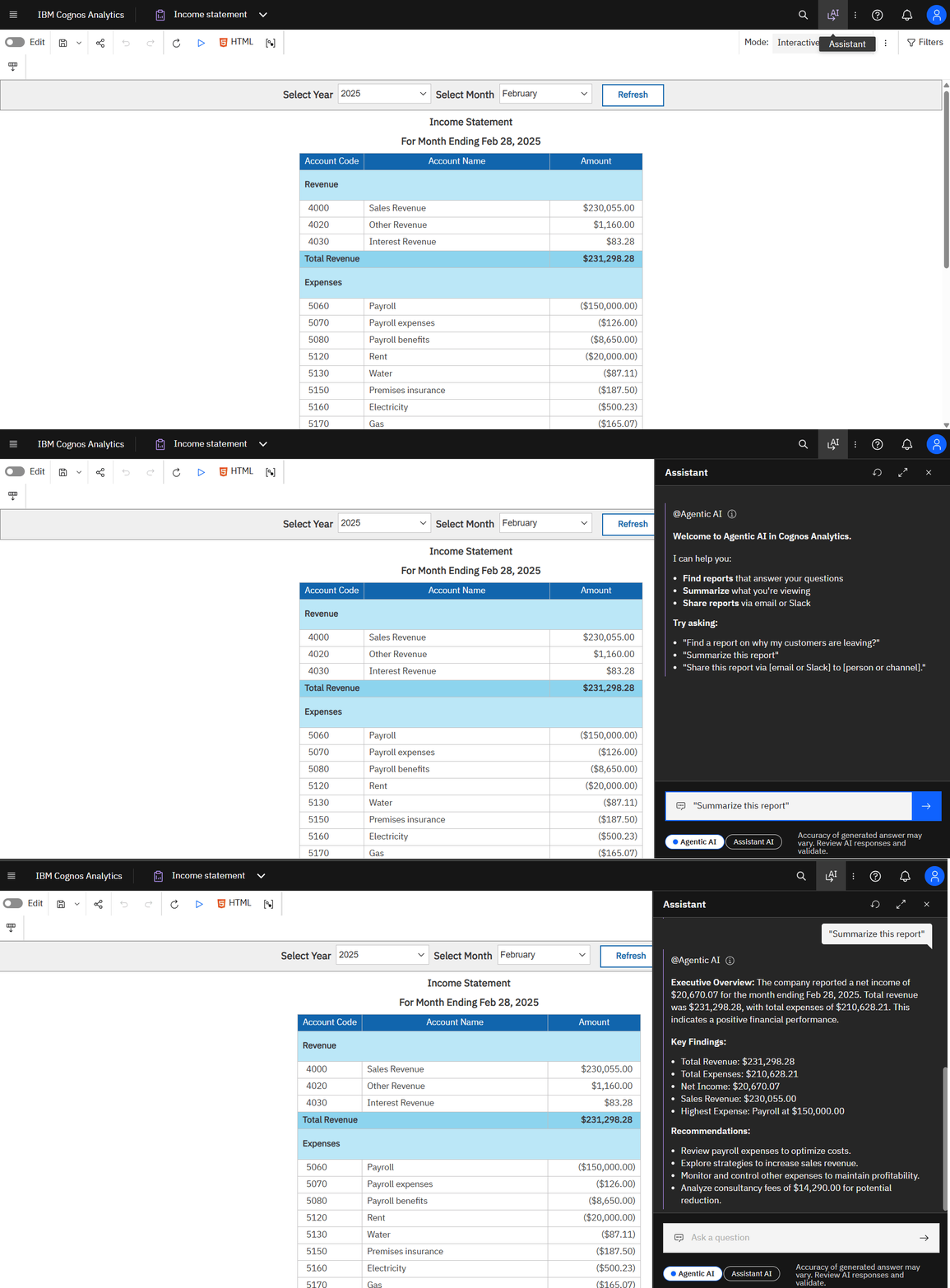
- Open and run the report you want to summarize in IBM Cognos Analytics.
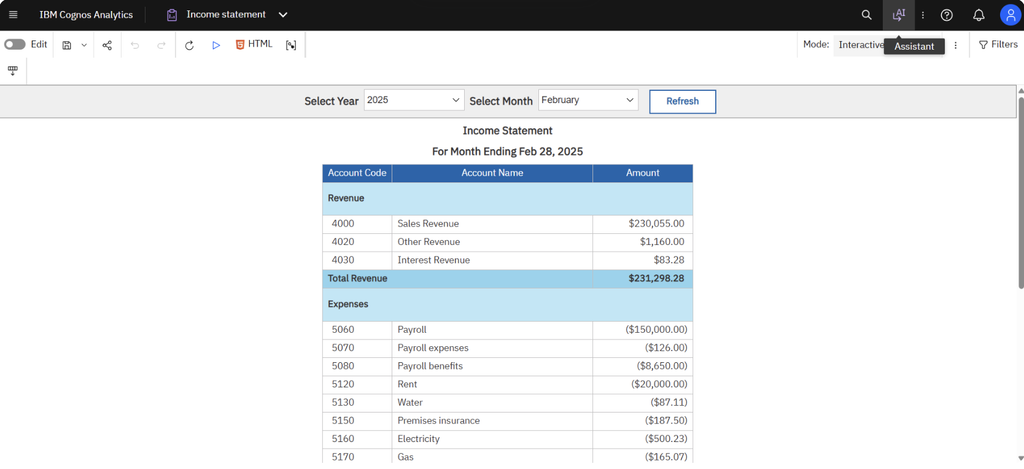
- Open the Assistant panel and select the “Summarize this report” option to initiate the summarization process.
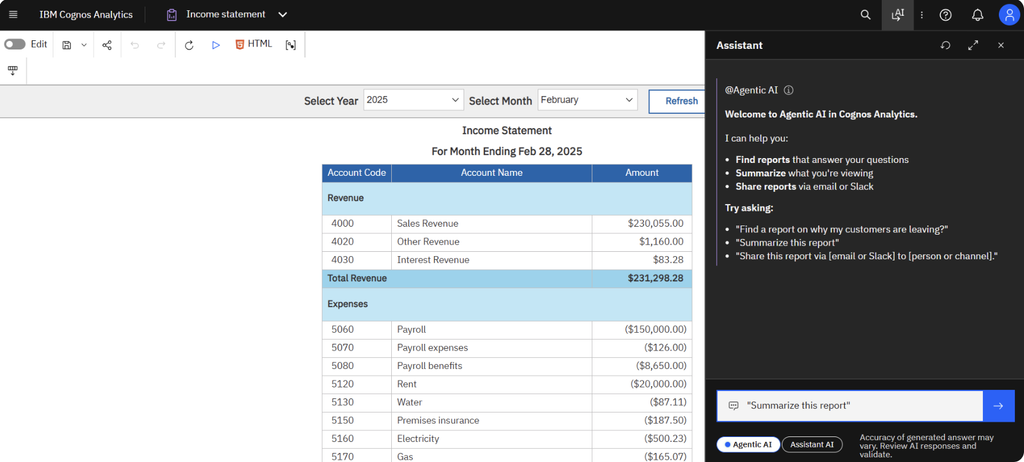
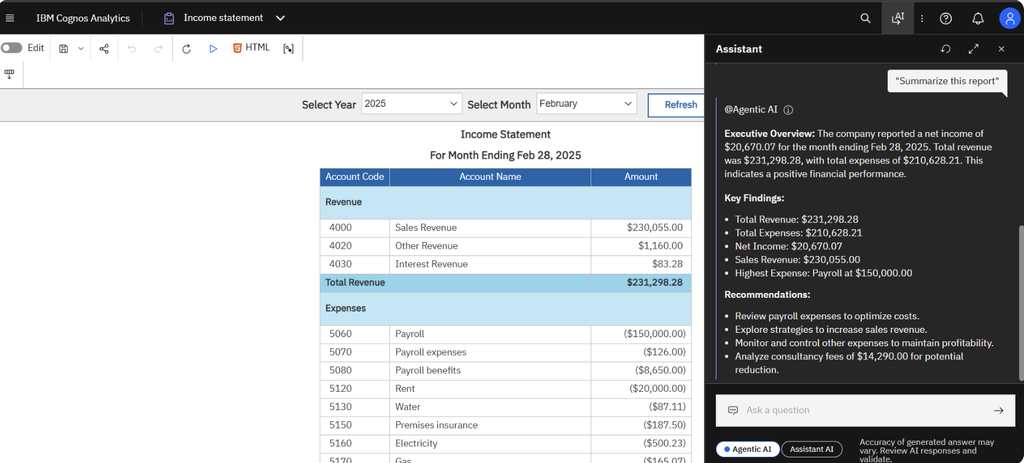
- The AI analyzes the report content and generates a summary that may include:
- Executive Overview: A high-level summary of the report.
- Key Findings: Important metrics, figures, and observations.
- Recommendations: Suggested areas for further analysis or potential business improvements.
Conclusion :-
The Cognos Summarization Agent showcases how AI-powered assistance can make business intelligence more accessible and actionable. By summarizing an report data into an executive overview, key findings, and recommendations, it helps users move from reading reports to understanding business performance.