Search & Select prompts play a key role in how users filter data in IBM Cognos Analytics. Until recently, report consumers often had to manually adjust search behavior to find the right values. Cognos Analytics 12.1.0 introduces a simple way to set a smarter default search option.
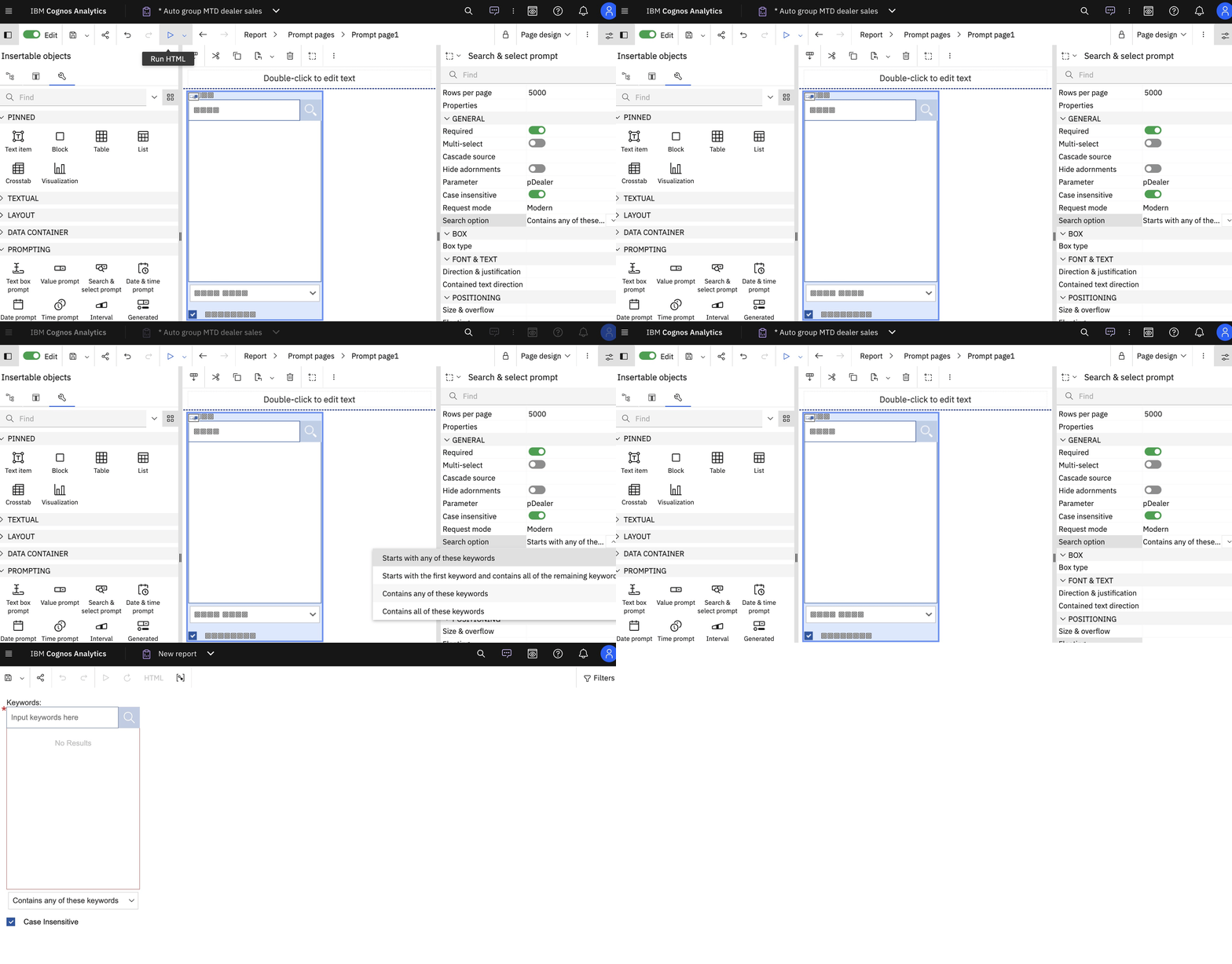
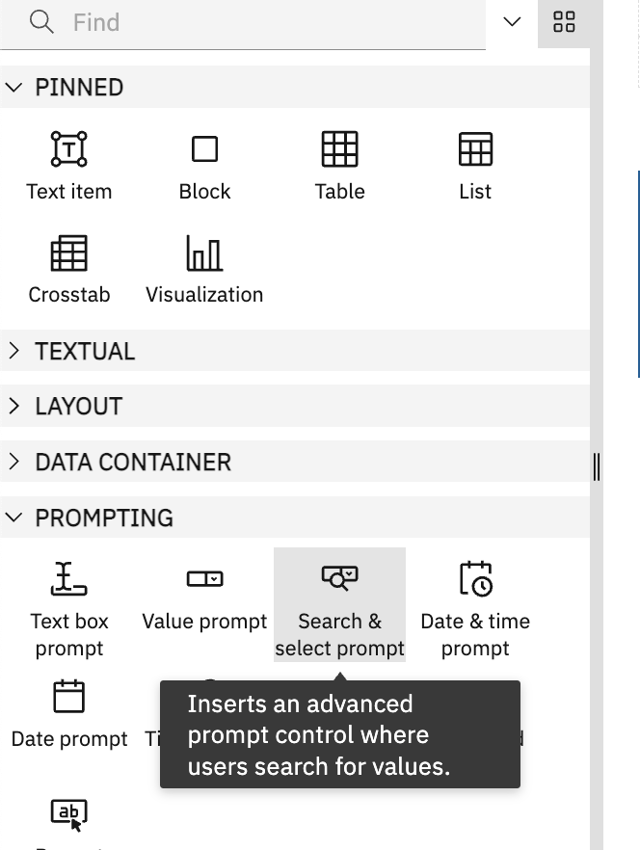
- Report authors can now specify default search options for the ‘Search & select prompt’ control when authoring reports.
- A new property named Search Option is added for the Search & select prompt control under the General category in classic and interactive reports.

- The following options can be specified for this property:
- Starts with any of these keywords (default)
- Starts with the first keyword and contains all of the remaining keywords
- Contains any of these keywords
- Contains all of these keywords
Note: These options were only available to users at run time (as shown below) with earlier version of Cognos Analytics:

With this new Search & select prompt property, author can set the default option which will display to users who run a report and see initial search option as it was specified by the report author. They can then change this option as required.


