The IBM Accelerator Catalog is a centralized hub of ready-to-use analytics assets designed to help organizations get more value from IBM’s data and AI platforms.
In this example, we explore prompt value validation using a prompt button with a custom control and JavaScript extension. This approach allows you to intercept the button action, apply custom validation logic, and prevent report execution when invalid value combinations are selected.
Importing custom control
- Go to IBM Cognos Accelerator Catalog link
- Search ‘validate prompt values’
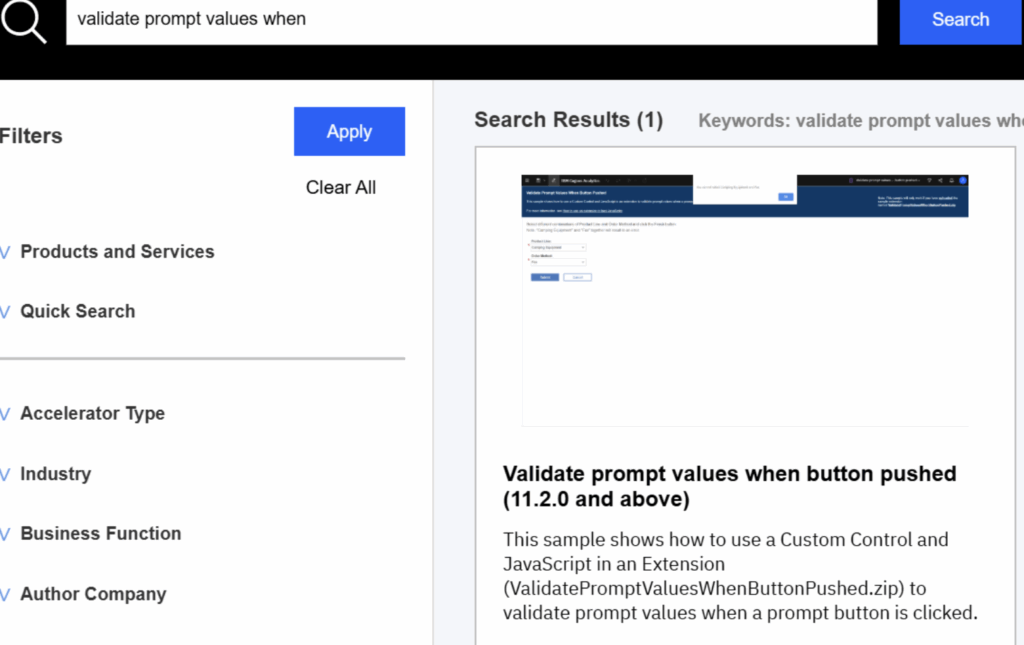
Or use below mentioned direct link for quick access
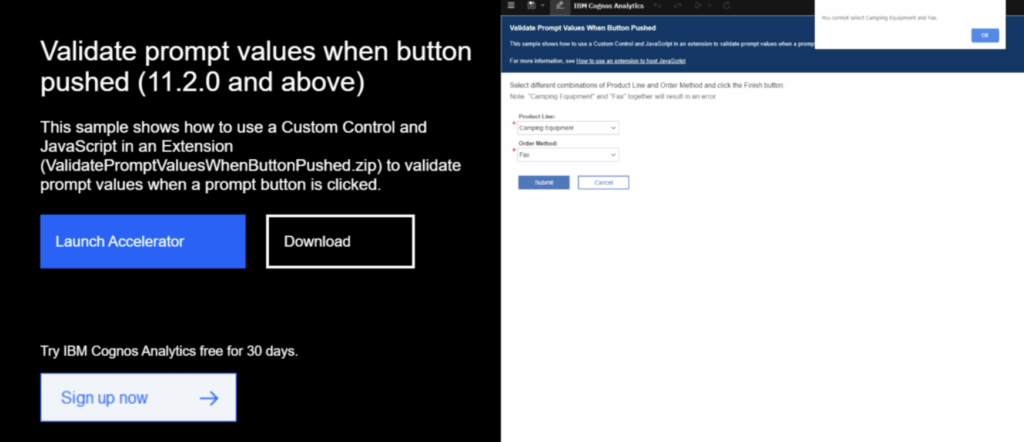
- Clicking on Download will download the zip file.
- Open Cognos Analytics and go to Menu > Manage > Customization > Extensions
- Click on Import
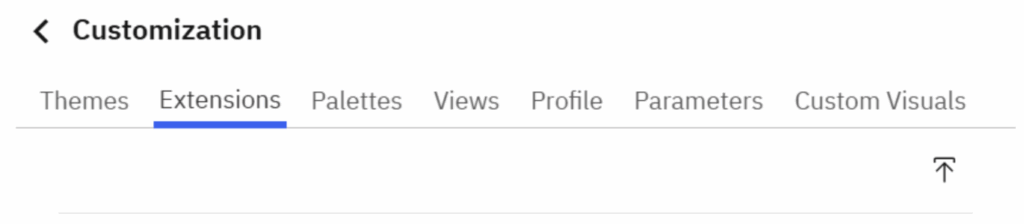
- Select the downloaded Zip file and click Open
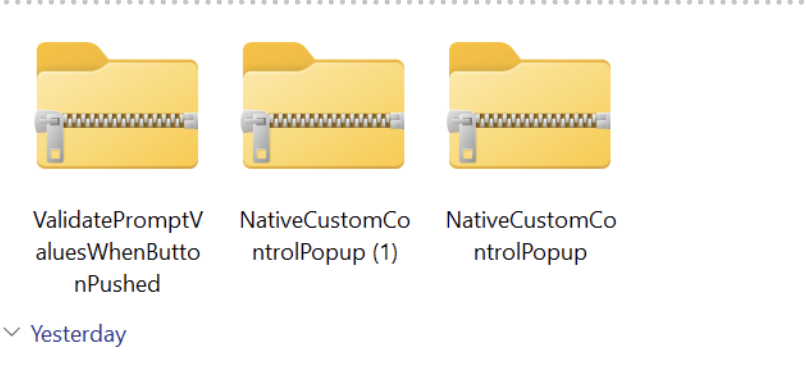
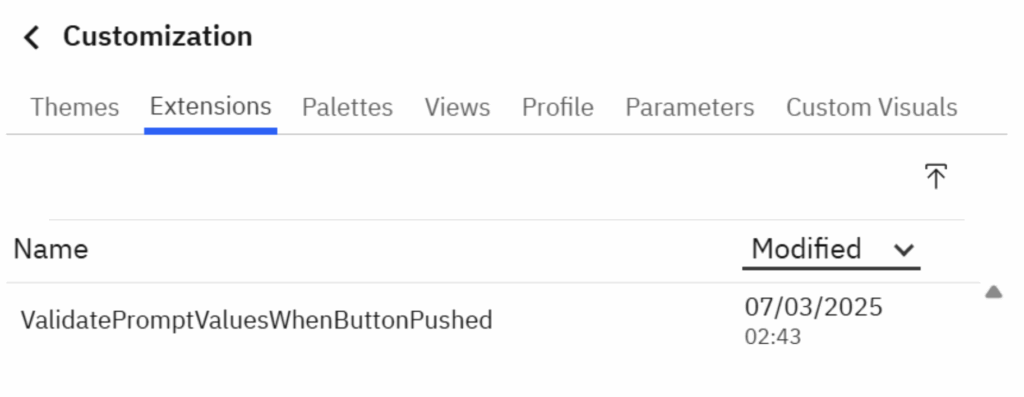
- Once imported, the custom controls will be available in the Extensions section
- Create a sample report. (Team Content > Sample > By feature > Validate prompt values when button pushed)
- In this sample report, we will shows how to use Custom Control and JavaScript in an Extension to validate prompt values when a prompt button is clicked.
- Drag Custom control from Advance Tool Bar into report prompt page.
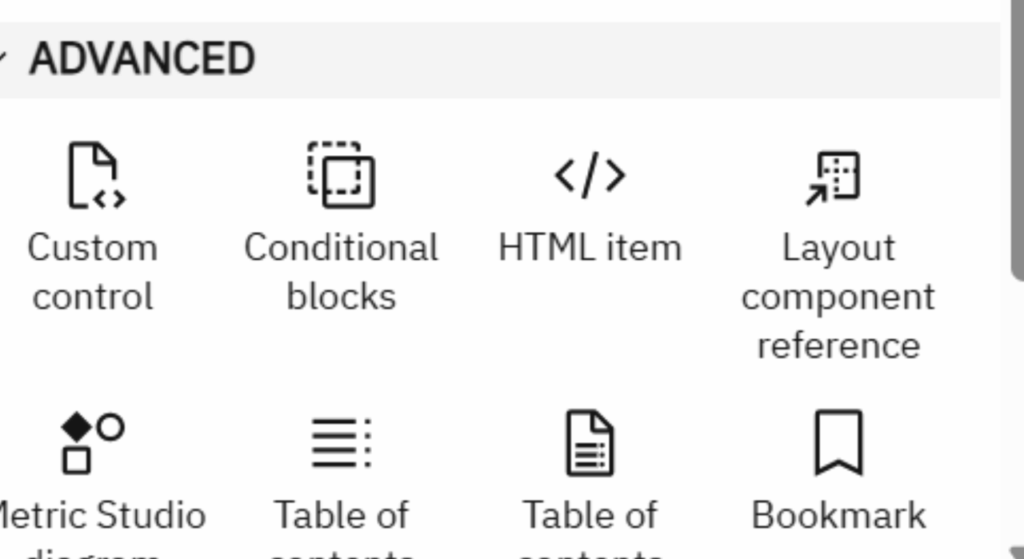
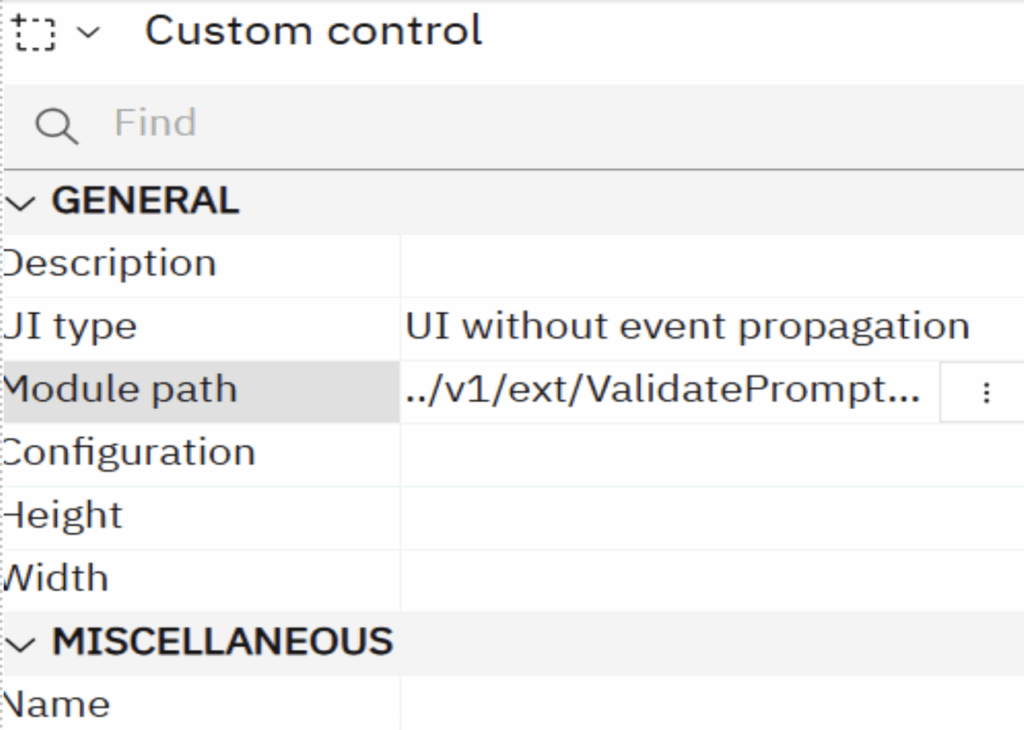
- Select Costom control and to go the property

- Change the setting of custom control in properties as shown in image below
- Module Path: ../v1/ext/ValidatePromptValuesWhenButtonPushed/validatePromptButton
- Save the report
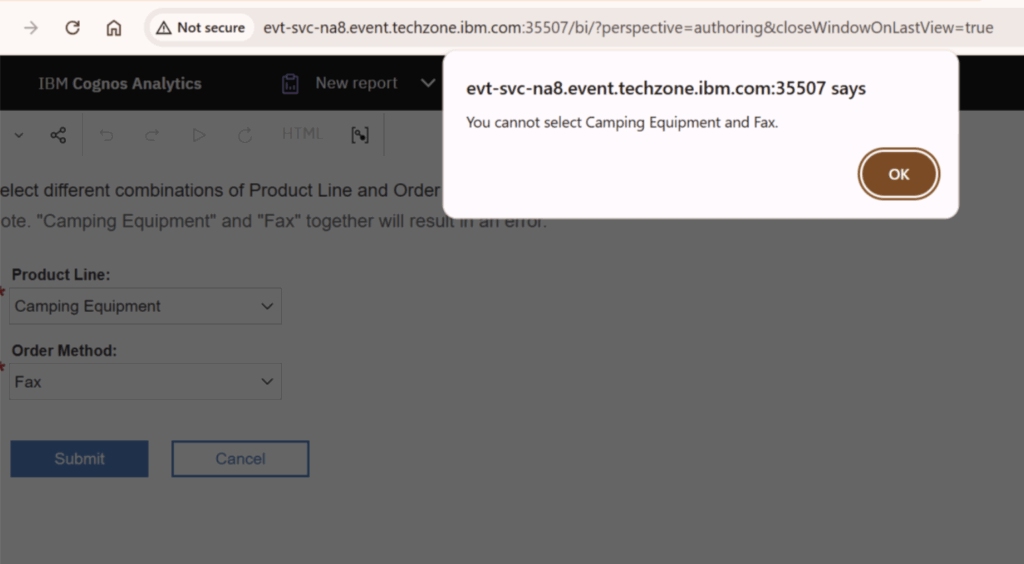
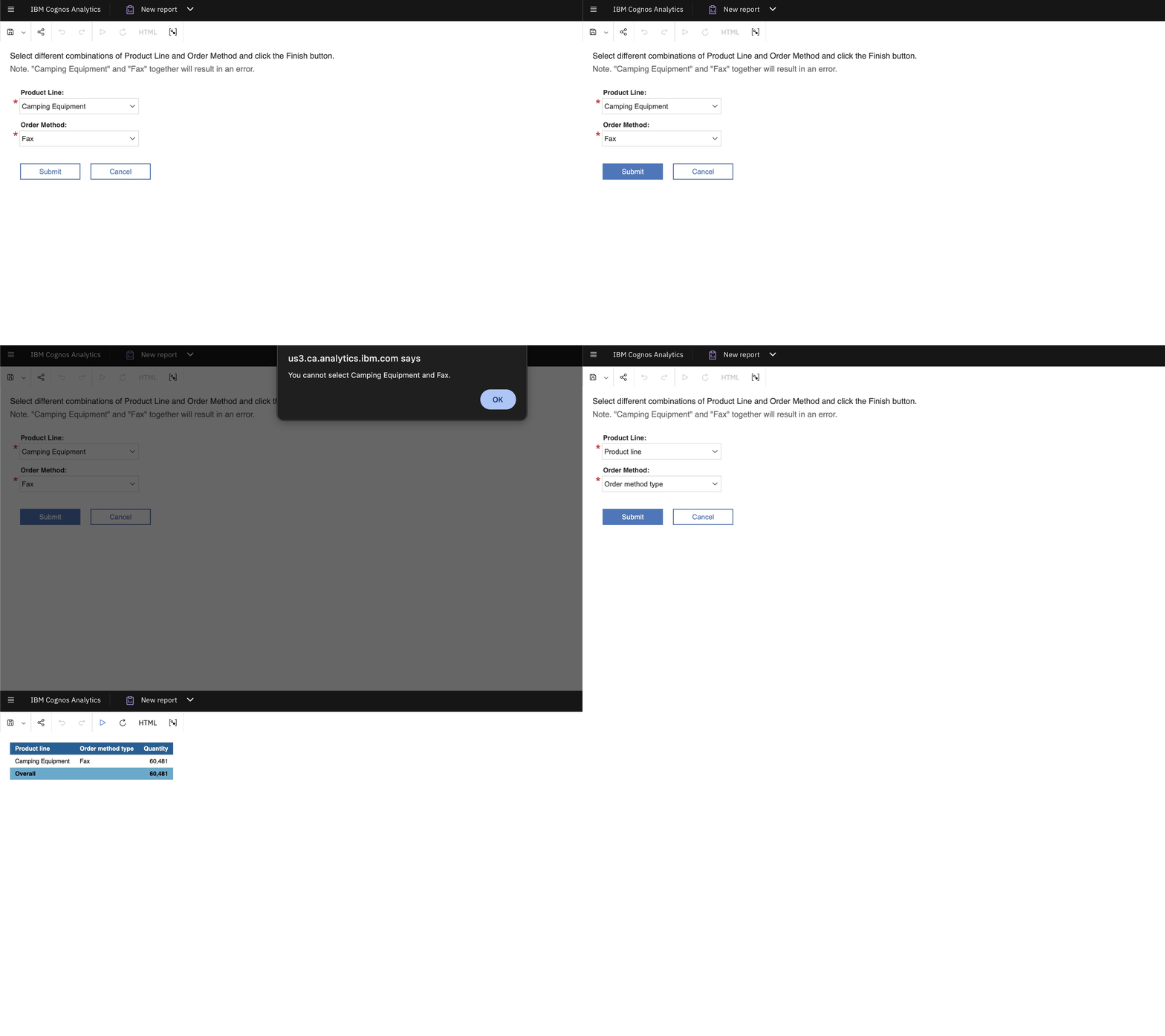
- When we run the prompt we can see if we select Camping Equipment and fax together it validates and gives error