Cognos 12.1.1 introduces a powerful enhancement to dashboards: Bookmarks & Saved Views. These new capabilities make it easier for users to return to the exact dashboard state they use most—whether that’s a specific region, tab, or personalized set of filters.
To use these features in dashboard:
- Open the dashboard and navigate to the dashboard tab for which we want to create a bookmark or saved view.
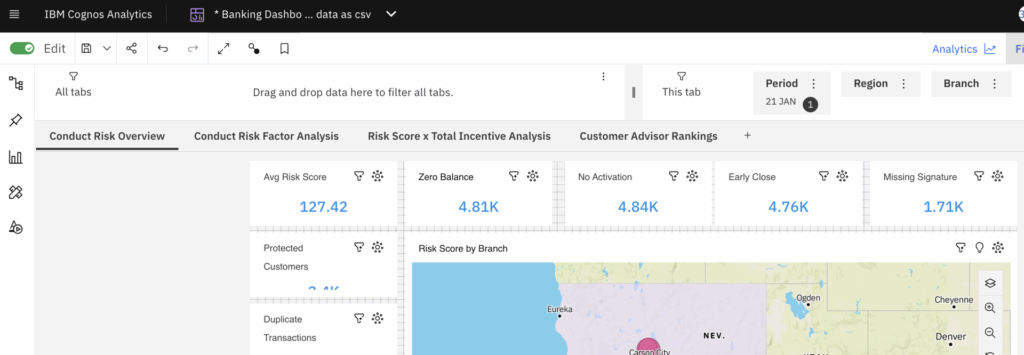
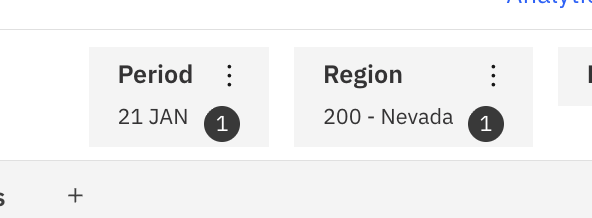
- Lets apply the Region filter in current view.
- Now go to dashboard toolbar and click on the Bookmarks icon.
- Click on Add a Bookmark.
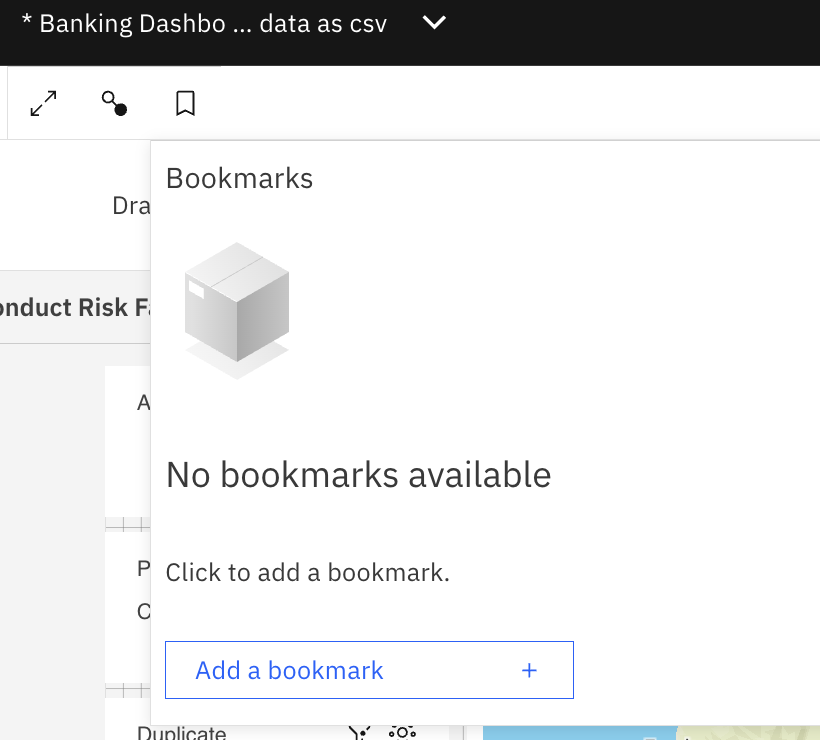
- It will open a panel as shown below.
- Give this bookmark a name that describes it easily ex. “Nevada Region Overview”.
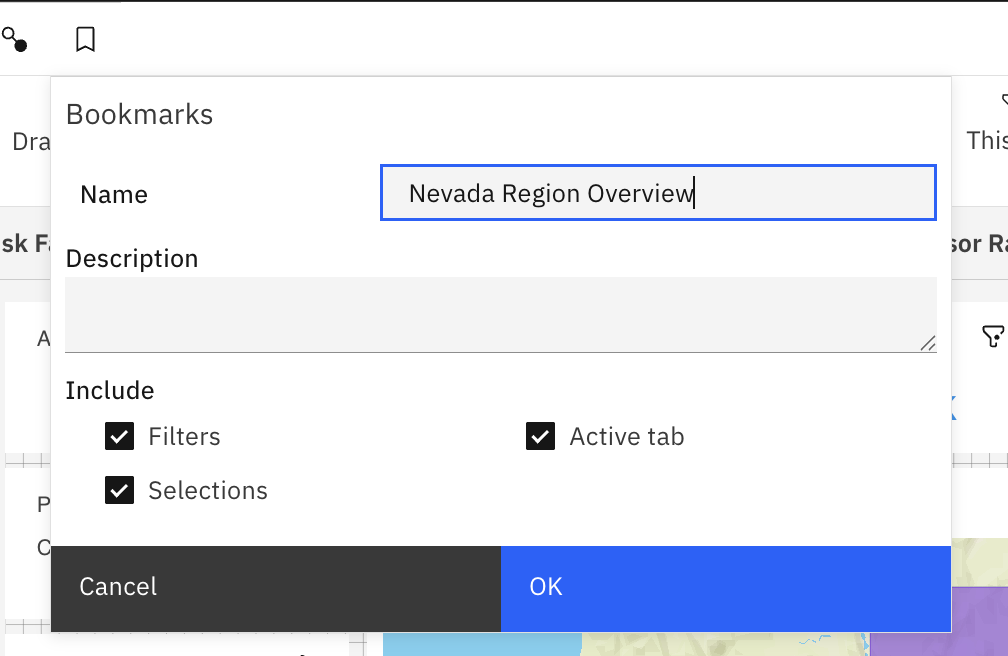
- Save it.
Note: We can now return to this spot with a single click. - Now go to other tabs or explore other visualizations or apply filters to see the change in data.
- At any time, if we want to see Nevada Region Overview again, open the Bookmarks panel and click on a saved option.
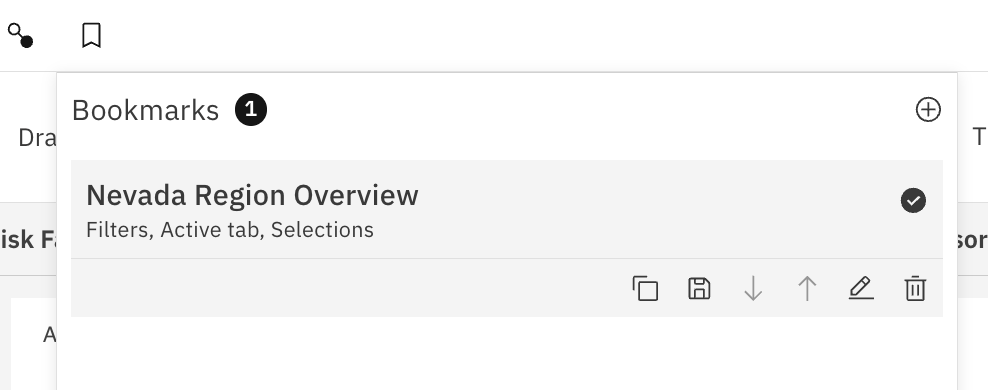
- Cognos will instantly update the dashboard to match our saved layout or filter set.


