With Cognos Analytics 12.1.1, data modules were enhanced with the introduction of the Expression Editor for table joins. This capability allows modelers to define more flexible and advanced join logic directly within data modules, enabling greater control over relationships and improving data modeling accuracy.
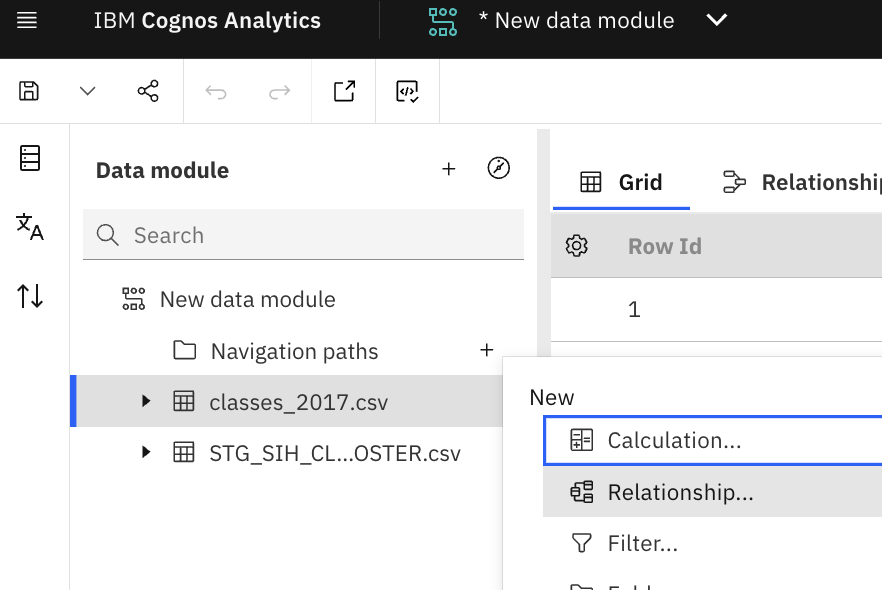
- Open existing data module or create a new one followed by adding tables/data sources in it
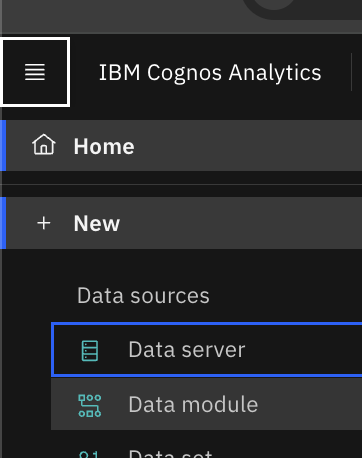
- Select sources to add the data tables
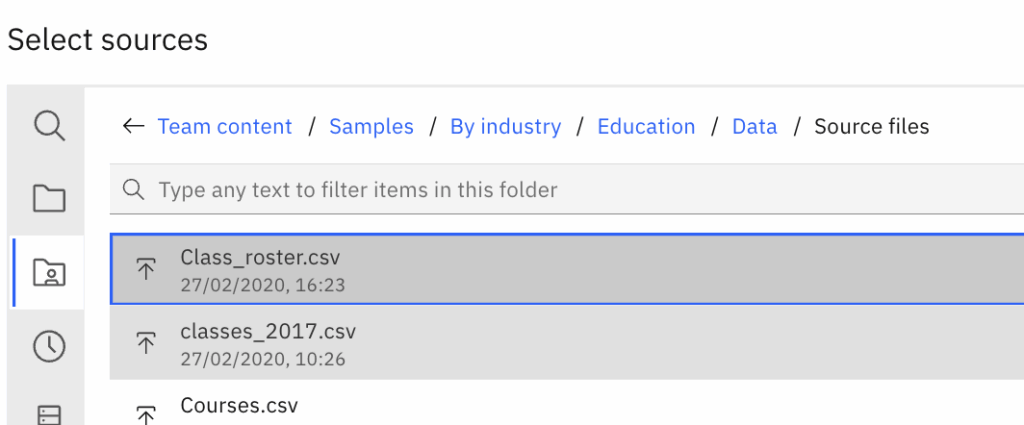
- Click three dots next to either of one table and select Relationship…
- Prior to Cognos 12.1.1, we only had option to select the matching fields, but now we can use the newly introduced option ‘Use expression’ to create relationship between two selected tables.
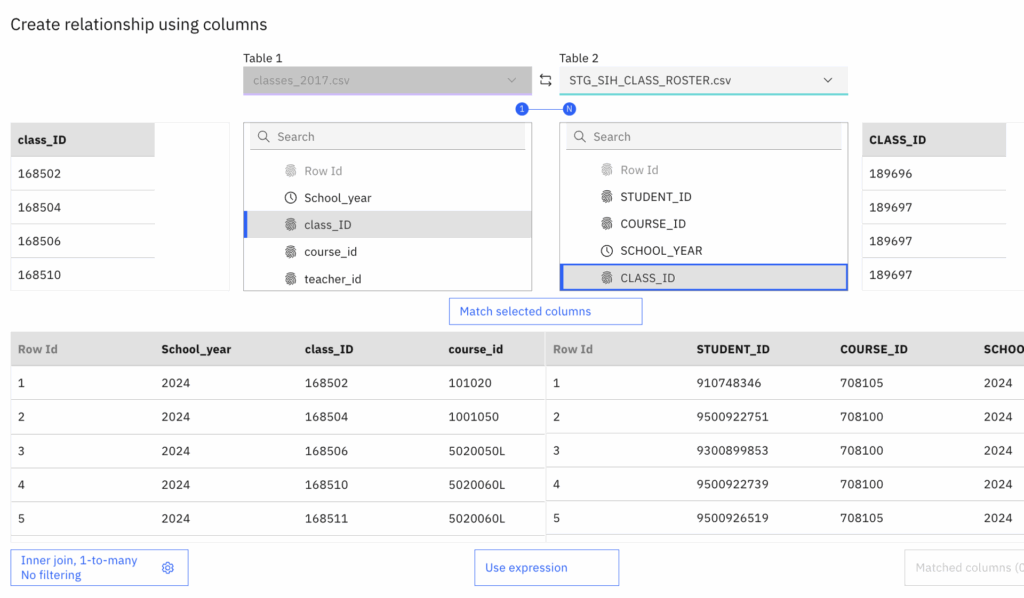
- Click on ‘Use expression’. It will open popup window to define the relationship expression
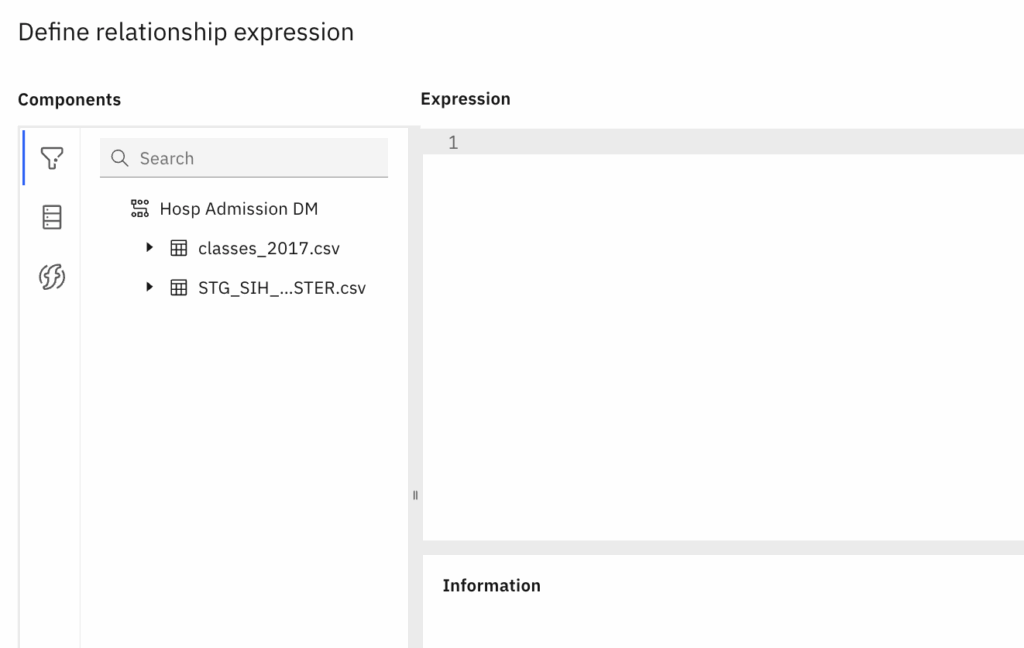
- Select the fields from both the tables and define the relatioship using the SQL expression
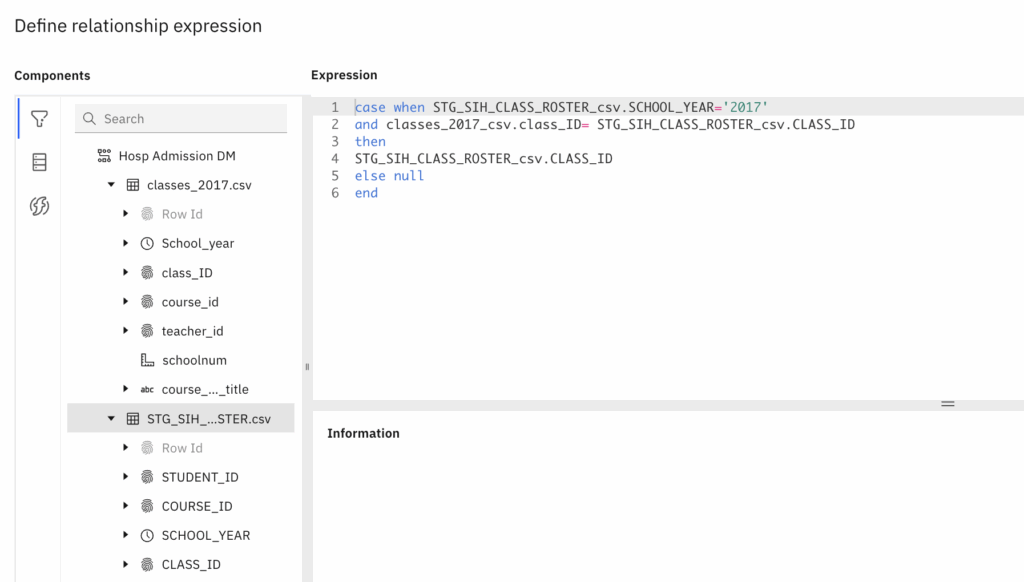
- Validate the expression and click OK.
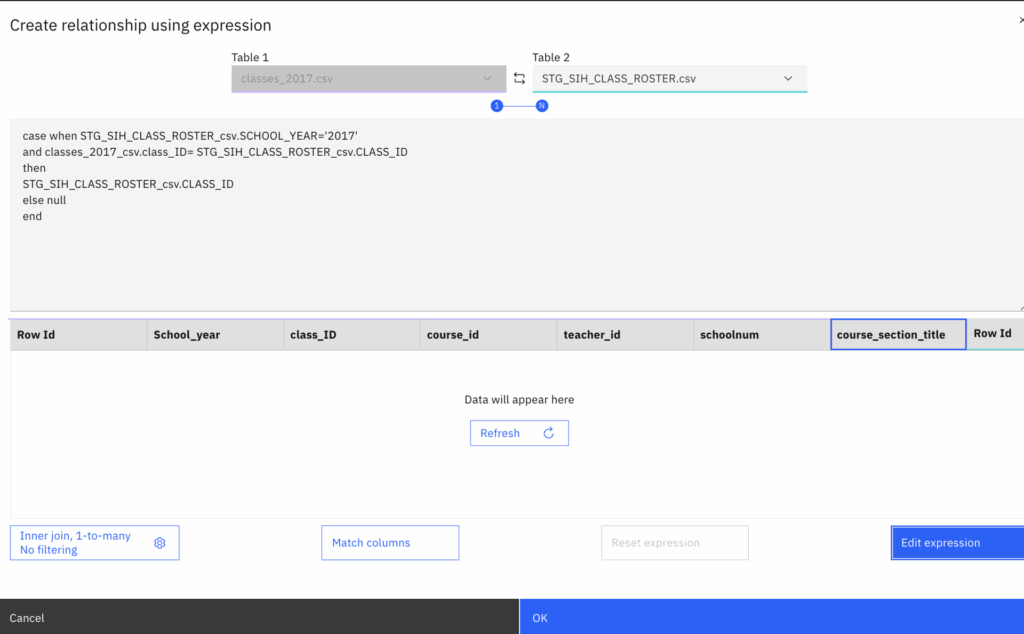
- Once defined, it will appear like this.
- Clicking ‘Refresh’ will display the data based on relationship defined
- Clicking ‘Edit expression’ will reopen the window for modifying the expression
- Note: We can also edit the expression in the same window as shown below
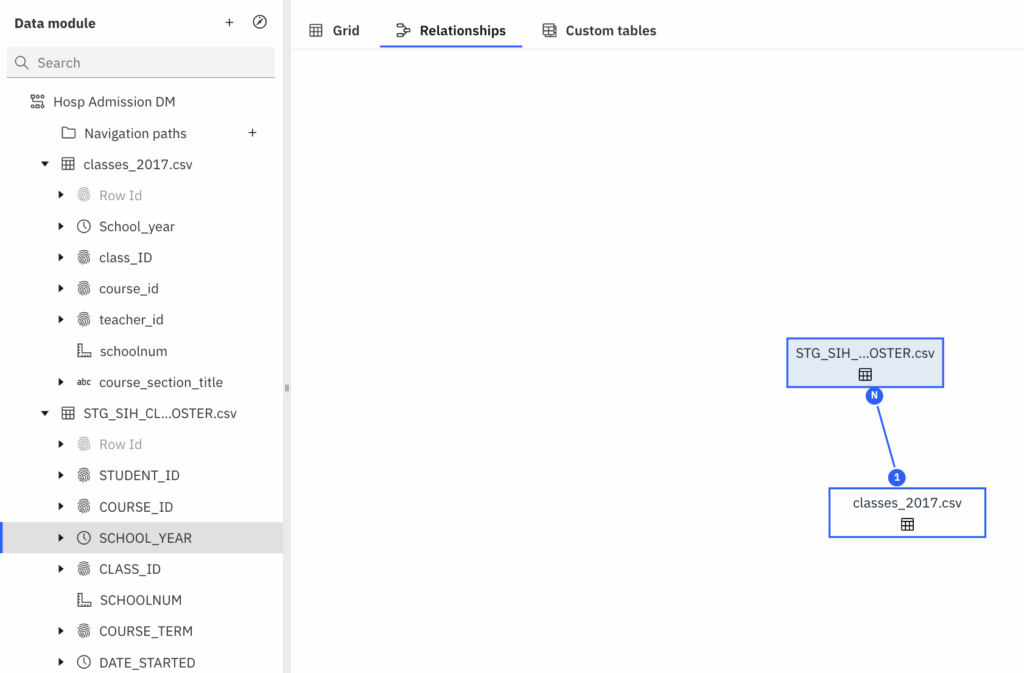
- These joined tables can be seen in Relationships tab.